
What Is ERP? A Complete Guide to ERP Systems, Software, and How They Work
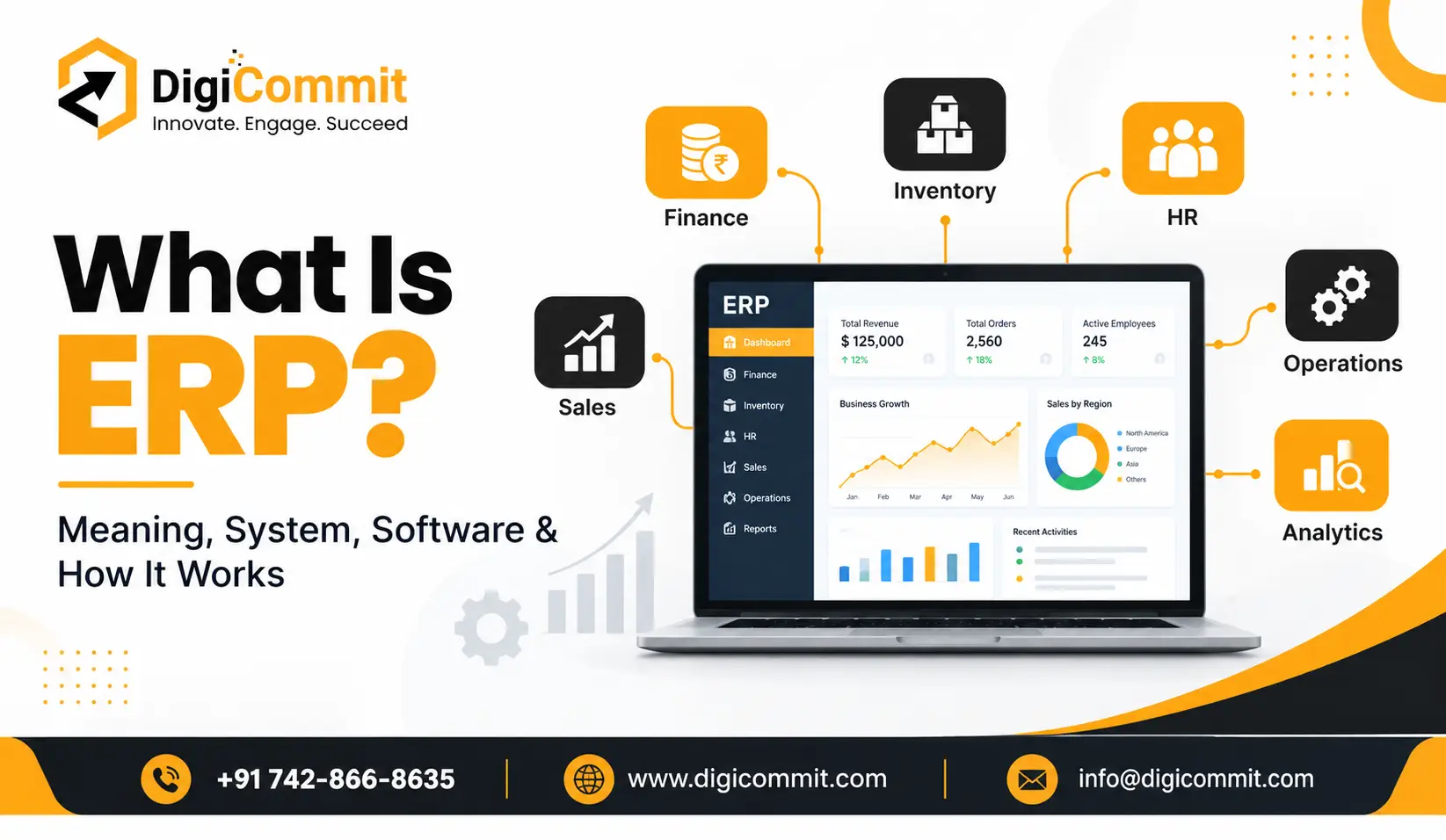
What is ERP? It is a common question among businesses looking to improve their operations, manage resources efficiently, and make better decisions. As companies grow, handling different departments, financial records, inventory, customer information, and employee data can become increasingly complex. Enterprise Resource Planning (ERP) helps businesses manage these activities through a centralized system.
ERP solutions are widely used by small businesses, medium-sized companies, and large enterprises to simplify daily operations and improve coordination between departments. Instead of relying on separate tools for accounting, sales, inventory, and human resources, organizations can bring essential business processes together in one integrated platform.
What Is the Full Form of ERP?
The full form of ERP is Enterprise Resource Planning. It refers to a business management approach that uses integrated software to organize, monitor, and manage an organization’s core resources and processes.
These resources may include finances, employees, inventory, raw materials, customer information, production activities, and supply chains.
The main purpose of ERP is to connect different business functions so that teams can access consistent and updated information. For example, when a sales team confirms an order, the system can help the inventory team check product availability while allowing the finance department to prepare the relevant invoice.
This integration reduces the need for manual data entry and helps businesses maintain better control over their operations.
What Is an ERP System?
An ERP system is an integrated software platform that allows businesses to manage multiple departments and business activities from a centralized environment.
Traditionally, organizations often use separate applications for accounting, inventory management, payroll, sales, and customer records. Although these applications may work individually, sharing information between them can be difficult and time-consuming.
An ERP system connects these functions and allows authorized employees to access the information they need.
For example, a manufacturing company may use an ERP system to monitor raw materials, manage production schedules, track employee costs, process customer orders, and generate financial reports. Because these activities are connected, managers can gain a clearer picture of overall business performance.
ERP systems can be customized according to a company’s industry, size, and operational requirements. Some businesses need only basic financial and inventory features, while others require advanced manufacturing, supply chain, or analytics capabilities.
What Is ERP Software and How Does It Work?
ERP software is the technology used to implement enterprise resource planning within an organization. It combines different business applications into one connected system, helping departments share information and coordinate their activities.
To understand how ERP software works, consider the following steps.
1. Data Collection
The system collects business information from different departments, such as sales orders, supplier invoices, employee records, inventory updates, and financial transactions.
2. Centralized Data Management
The collected information is stored and managed within an integrated environment. Depending on the software, the system may use a shared database or connected data services to keep information consistent across different modules.
3. Automated Business Processes
ERP software can automate routine activities, including invoice generation, stock updates, purchase requests, payroll calculations, and approval workflows.
For instance, when a customer places an order, the system may update inventory levels and initiate the billing process automatically, depending on its configuration.
4. Real-Time Reporting
Managers can use dashboards and reports to monitor sales, expenses, stock availability, productivity, and other important business indicators. The availability of real-time information depends on the system and the underlying data processes.
5. Better Decision-Making
With connected information and reporting tools, business owners can identify operational problems, understand financial trends, and make more informed decisions.
Overall, ERP software helps organizations reduce disconnected workflows and manage business activities more efficiently.
Key Features of an ERP System
A modern ERP platform typically includes several modules that support different business functions.
Financial Management
Financial management tools help businesses record transactions, manage budgets, monitor expenses, track accounts payable and receivable, and prepare financial reports.
Inventory Management
Inventory features allow companies to monitor stock levels, track product movement, manage warehouse operations, and identify when products need replenishment.
Human Resource Management
HR modules can help manage employee records, attendance, leave requests, payroll information, recruitment activities, and performance data.
Sales and Customer Management
ERP systems can connect sales orders, customer records, quotations, billing, and order fulfillment. Some platforms also integrate customer relationship management features.
Supply Chain Management
Supply chain tools support purchasing, supplier coordination, logistics, demand planning, and the movement of goods between locations.
Reporting and Analytics
Reporting features help decision-makers review business performance, compare results, and identify areas that require improvement.
Not every ERP solution includes all these features by default. Businesses should evaluate the modules available in each platform before making a decision.
Benefits of Using ERP Software for Businesses
Implementing ERP software can provide several advantages when the system is selected and configured properly.
Improved Operational Efficiency
ERP software can reduce repetitive administrative tasks by automating routine processes. Employees can spend less time transferring information between applications and more time on productive activities.
Better Data Accuracy
Centralized data management helps reduce duplicate records and inconsistencies. Employees can work with more reliable information when data entry rules and system integrations are properly maintained.
Enhanced Departmental Collaboration
ERP connects different departments through shared workflows and information. Sales, finance, inventory, and operations teams can coordinate more effectively because they have access to relevant business data.
Stronger Financial Control
Businesses can monitor expenses, revenue, budgets, and outstanding payments through integrated financial tools. This visibility can support financial planning and help identify unusual transactions.
Easier Business Growth
As an organization expands, its processes become more complex. A suitable ERP solution can support additional users, departments, locations, and workflows without requiring the business to manage an entirely separate system for every function.
Improved Customer Service
When teams have accurate information about orders, inventory, and delivery schedules, they can respond to customer inquiries more effectively and provide clearer updates.
However, these benefits are not automatic. Successful implementation requires employee training, reliable data, suitable workflows, and ongoing system maintenance.
Types of ERP Systems
ERP solutions are available in different deployment models. The right option depends on a business’s budget, technical resources, security requirements, and operational needs.
Cloud-Based ERP
Cloud ERP is hosted by a service provider and accessed through the internet. It generally reduces the need for businesses to maintain their own ERP infrastructure and may offer subscription-based pricing.
On-Premises ERP
On-premises ERP is installed on an organization’s own servers or infrastructure. It can provide greater direct control over the environment, but the business is responsible for infrastructure, maintenance, upgrades, and related technical requirements.
Hybrid ERP
Hybrid ERP combines cloud-based and on-premises components. This approach can help organizations maintain certain existing systems while adopting cloud services for other business functions.
Industry-Specific ERP
Some ERP platforms are designed for particular industries, including manufacturing, healthcare, retail, construction, education, and distribution. These solutions may offer specialized workflows that align with industry requirements.
What Is ERP Website Design?
ERP Website Design refers to designing and developing a website or web-based interface that supports access to ERP-related information and functionality. Depending on the project, this may involve an ERP product website, a customer or employee portal, or a browser-based interface connected to an ERP platform.
A well-designed ERP website or portal should prioritize usability, security, responsiveness, and efficient navigation.
Important considerations include:
- User-friendly navigation: Users should be able to locate important functions without unnecessary steps.
- Responsive design: Interfaces should work properly across desktops, tablets, and mobile devices where supported.
- Secure access: Authentication, permissions, and appropriate access controls should protect business information.
- System integration: The website or portal should exchange information with the ERP platform through suitable, secure integration methods.
- Clear dashboards: Relevant business information should be presented in an understandable format.
- Performance: Pages and workflows should respond efficiently, even when users work with large amounts of business data.
ERP website design is not the same as building a standard informational website. If the website connects to internal business operations, its design must account for data accuracy, user roles, workflow requirements, and security.
How to Choose the Right ERP System
Selecting an ERP platform requires careful evaluation. A solution that works well for one organization may not suit another.
Start by identifying your business requirements. Determine which processes need improvement and which departments will use the software.
Next, consider the following factors:
- Business size and industry: Choose a platform that supports your company’s current operations and expected growth.
- Essential features: Identify the modules you actually need instead of paying for unnecessary functionality.
- Total cost: Evaluate licensing, implementation, customization, training, maintenance, and future upgrade costs.
- Integration capabilities: Confirm that the ERP can connect with your existing accounting tools, websites, e-commerce platforms, or other business applications.
- Ease of use: A system with a manageable learning curve can make employee adoption easier.
- Security and support: Review access controls, backup arrangements, vendor support, and data protection capabilities.
- Scalability: Make sure the platform can accommodate future changes in users, locations, and transaction volumes.
Before committing to a solution, request a demonstration and assess it against real business scenarios. A structured implementation plan can also help reduce disruption during the transition.
Frequently Asked Questions About ERP
1. What is ERP in simple words?
ERP is a business management system that connects departments such as finance, sales, inventory, and human resources so they can manage information and processes more efficiently.
2. What is the full form of ERP?
ERP stands for Enterprise Resource Planning. It describes the integrated management of an organization’s core business resources and processes.
3. What is the difference between ERP and ERP software?
ERP refers to the overall business management approach, while ERP software is the technology used to manage and integrate the processes involved.
4. Is ERP software suitable for small businesses?
Yes. Many ERP solutions are designed for small and growing businesses. The best choice depends on operational complexity, budget, required features, and future growth plans.
5. How long does ERP implementation take?
Implementation time varies depending on the company’s size, the complexity of its processes, data migration requirements, customizations, and employee training. A straightforward implementation may take weeks or months, while larger projects can take considerably longer.
Conclusion
Understanding what ERP is helps businesses recognize how integrated technology can simplify operations, improve collaboration, and support better decision-making. From financial management and inventory tracking to employee administration and supply chain coordination, an ERP system can bring essential business processes into a connected environment. The key is to select the right software, define clear objectives, and implement it with proper planning and training.
If your business wants to strengthen its online presence, improve its digital communication, or create a professional website that supports its technology and business goals, Digicommit, Digital marketing agency in Noida, can help you explore suitable digital marketing and website development solutions aligned with your business needs.
Related Post

ERP Website Design: Key Features, Benefits, and Development Solutions for…
In the modern business environment, managing multiple operations efficiently is essential for…